

Some weeks I write every evening. Other weeks I skip three days and only notice on Sunday. I wanted to see that shape without counting, and I wanted to write about Tuesday on Thursday and have it land on Tuesday.
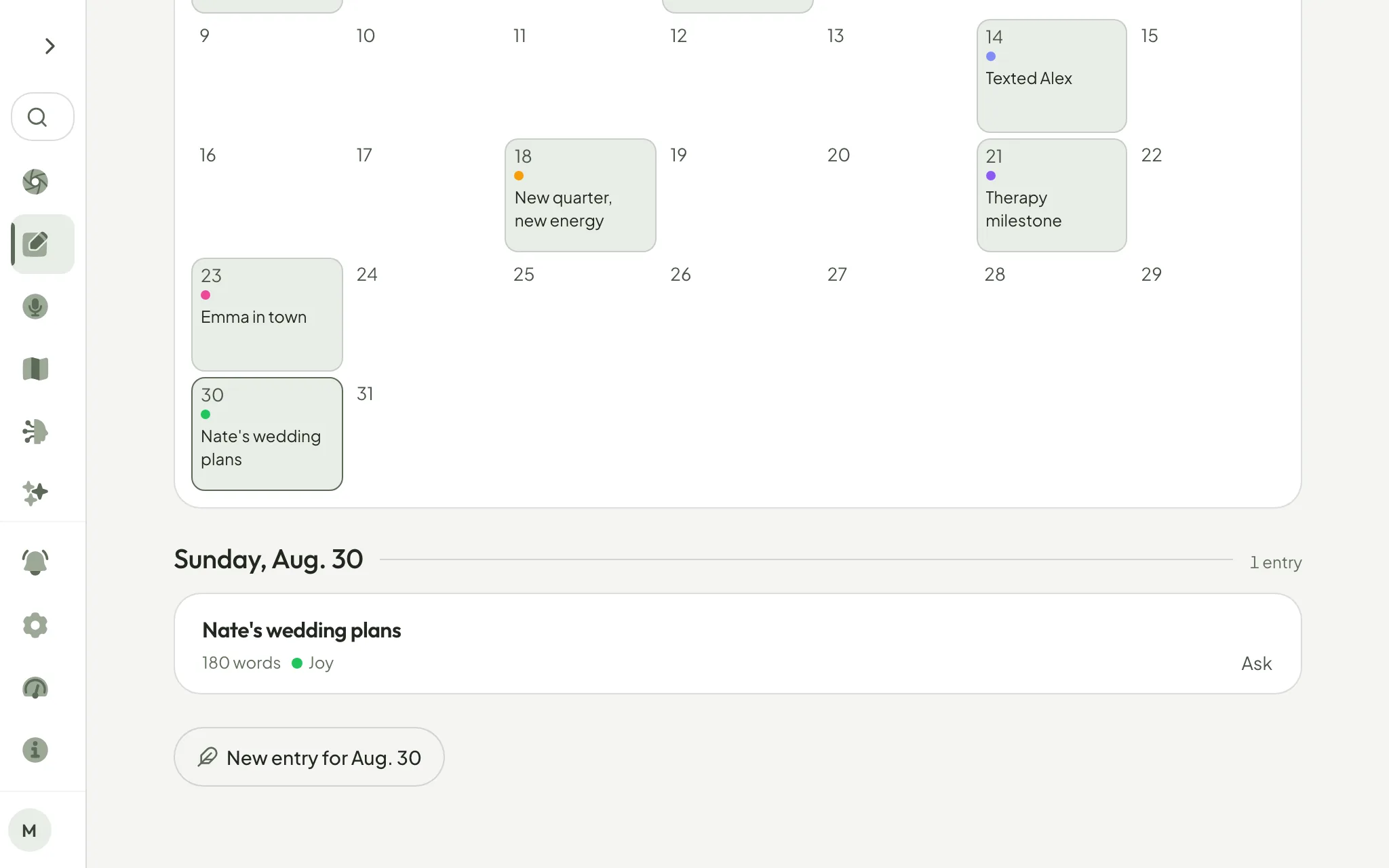
So your journal now opens as a calendar too. Every day you wrote shows its title and small dots coloured by how it felt. Tap a day and what you wrote opens under the month, with Ask beside each entry if you want to take it into Explore. Tap a day you did not write on, and a new entry opens already dated that day.
A day you skipped is simply left blank. There are no streaks, no empty boxes and no count of missed days anywhere on this screen, and the month never runs past today.
Open Journal and choose Calendar.
— Gabriel