

When I first opened Pensio on a Chromebook, it was the phone app stretched across a laptop: the tabs along the bottom, the text too small, and a keyboard it did not know about.
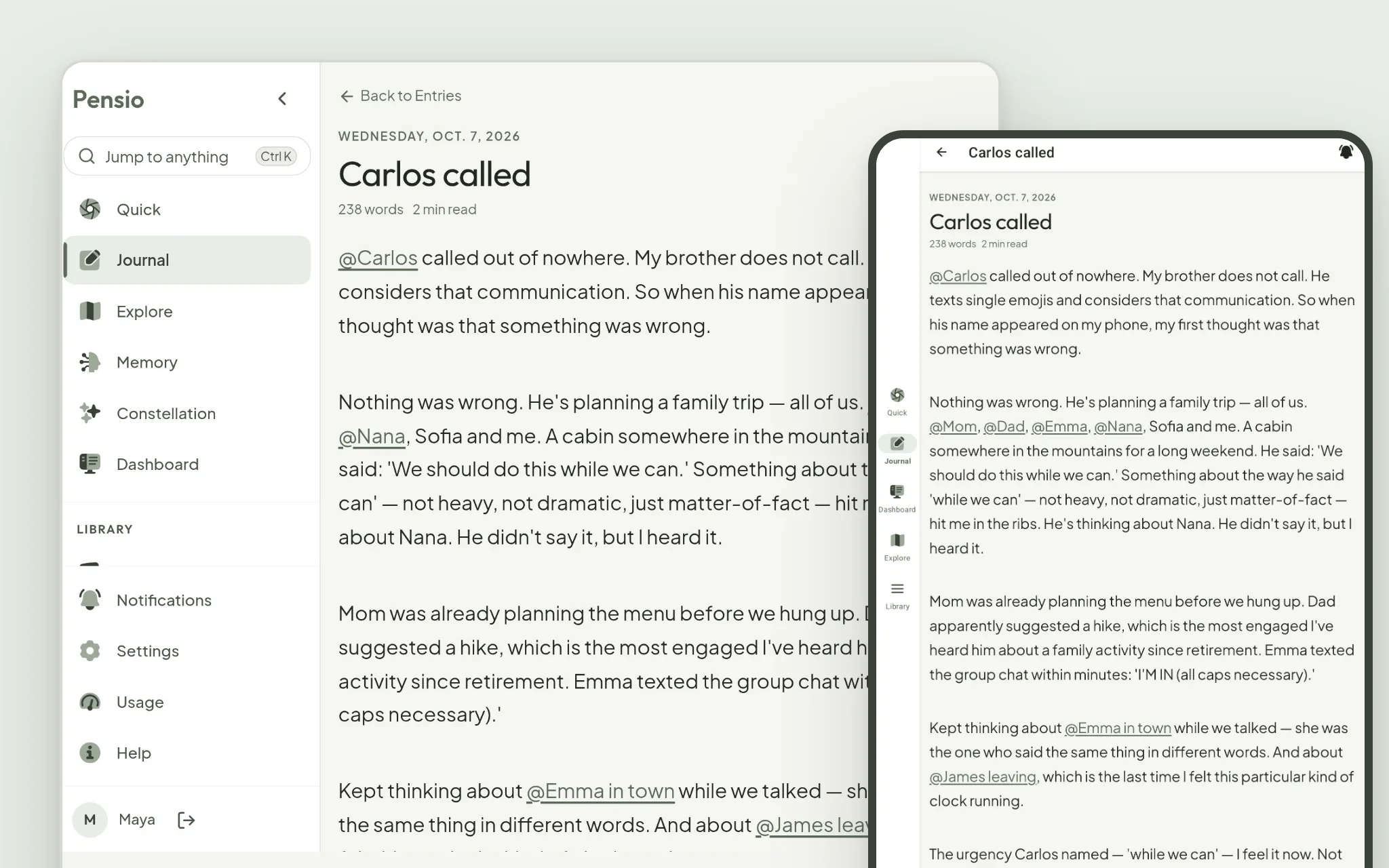
Now, on a Chromebook or one of the new Googlebooks, the Android app opens like Pensio on a computer. The menu sits down the side, the window resizes the way any window does, and the keyboard works: Ctrl+N starts an entry, Ctrl+Enter publishes it, Ctrl+K jumps anywhere, and a right-click on an entry opens or edits it. If the text feels small, Ctrl+= makes it bigger, and Pensio remembers.
On an Android tablet, the menu moves to the left edge, so the page keeps the whole height of the screen. On a phone, nothing changes.
Nothing about your journal changes either: the same entries, in the same account, on every device.
Update Pensio from the Play Store on your Chromebook or tablet, and open it.
— Gabriel