

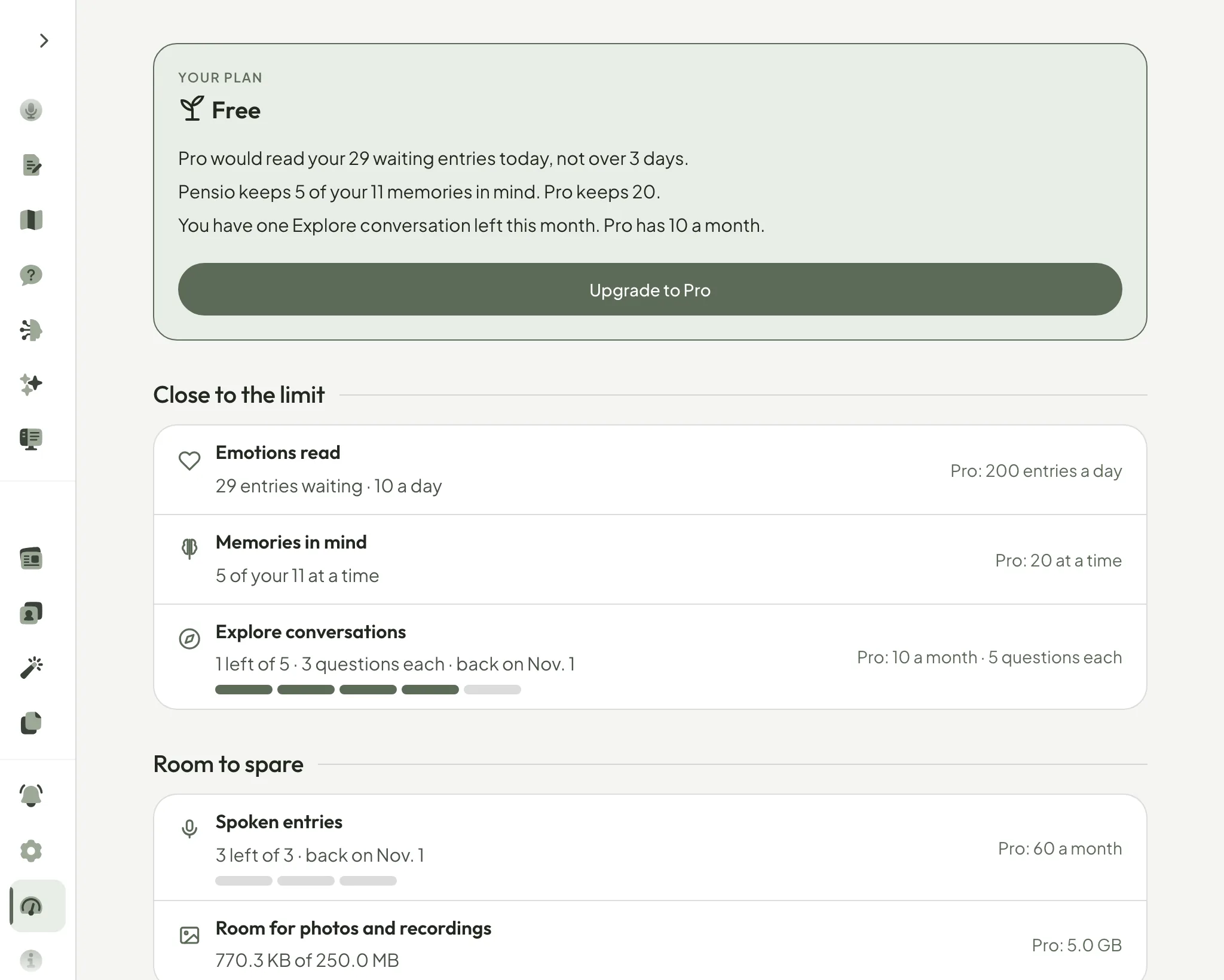
Since October 13, the Usage page shows everything your plan gives you.
Until then it counted two things: your Explore conversations and the limit for a connected assistant. Pensio had grown well past that. How many entries it reads for emotions each day, your voice entries, the memories it keeps in mind, the room for your photos: none of it was there, on the one page meant to show it.
Now every part of your plan has a line. Each one counts down, so it tells you what is left and when it comes back, never a percentage. What is close to running out comes first, then everything with room to spare, then what you have written, which is never limited.
On Free, the page opens with what Pro would change for you, taken from your own numbers: the entries still waiting to be read, the conversation you have left. On Pro, it simply tells you what is close to its limit, if anything is.
Open Usage from the menu, or go to Settings, then Plan, and choose See everything you have used.
— Gabriel